- 熟悉文字介面操作與查看檔案內容!
- 請善用 Tab 按鍵,補足指令與檔案名稱!
- 使用 root 身份登入系統後,開啟終端機介面,修改密碼!
- 使用 date 查詢今天日期與現在時間!
- 查詢 /etc/passwd 檔案屬性類別與檔案內容的行數!
- 使用 head 、tail 指令,分別查詢 /etc/passwd 檔案前五行、後五行的檔案內容!
- 使用 cat 、tac 指令,分別列出 /etc/passwd 檔案內容!
- 使用 history 查詢下過的指令!

# yum -y install cockpit
# systemctl enable --now cockpit
# firewall-cmd --add-service=cockpit --permanent
# firewall-cmd --add-service=cockpit


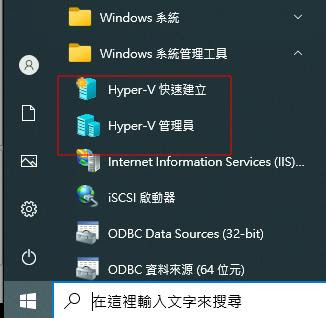


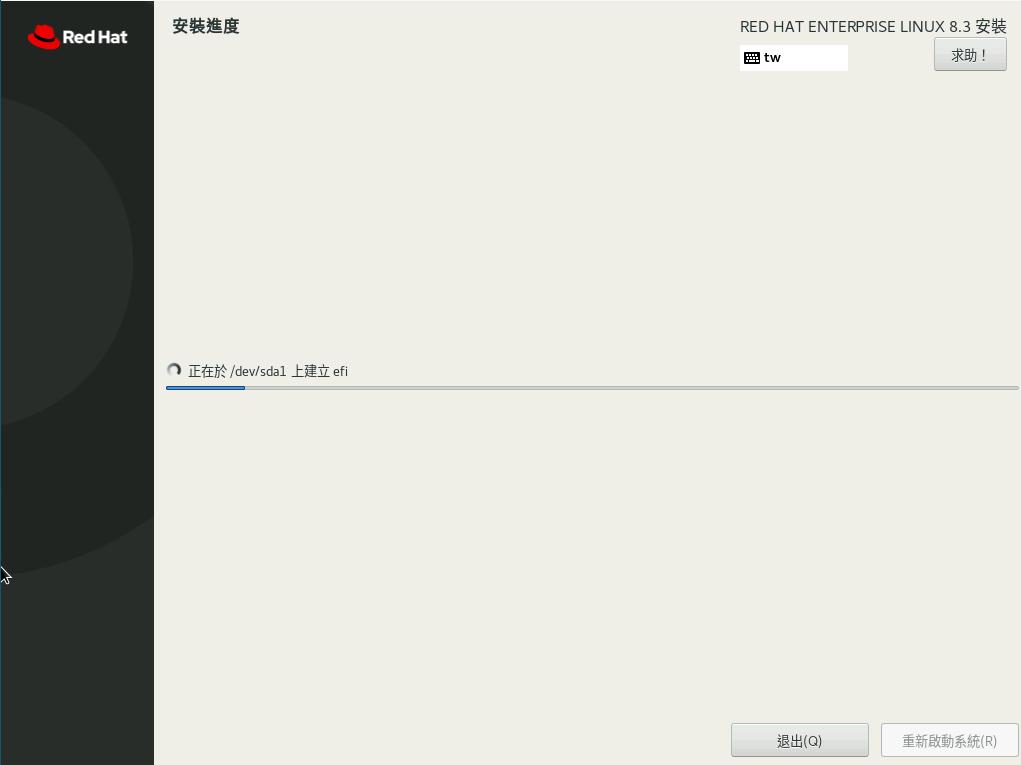


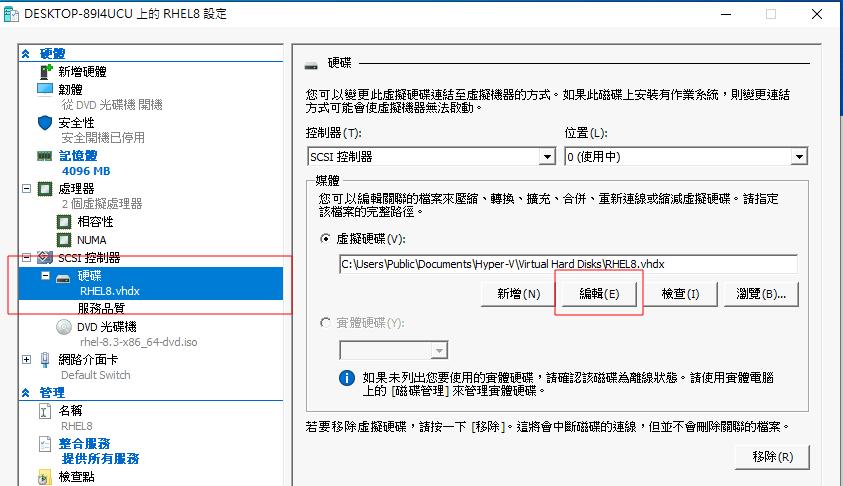
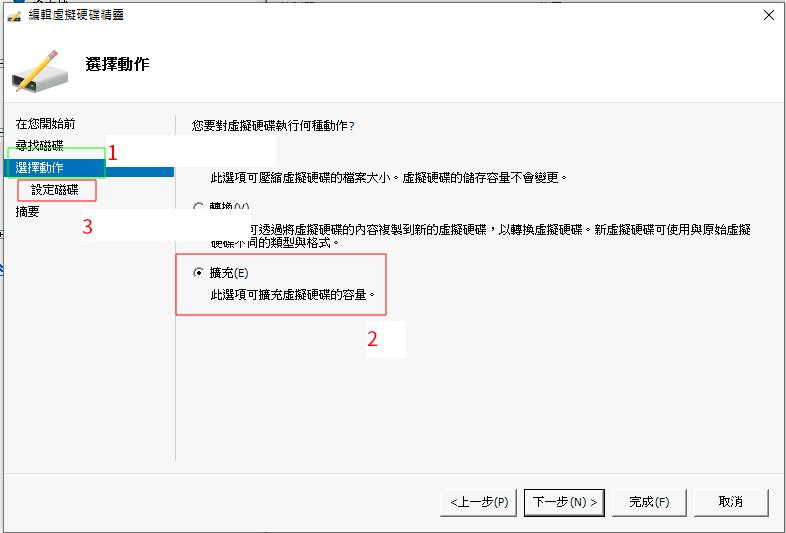


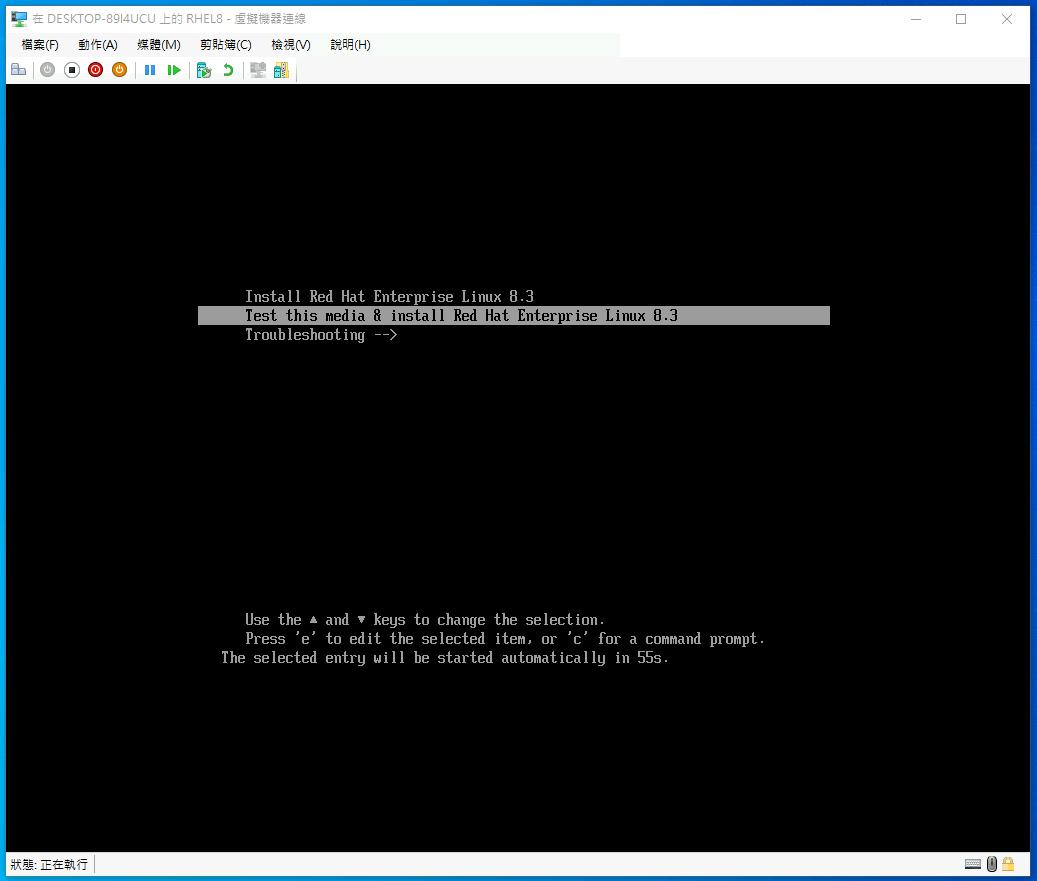
RHEL8.3 安裝流程,請參考這一篇!
# yum -y upgrade
# reboot
# hostnamectl set-hostname dns.example.com
# echo "192.168.100.120 dns.example.com dns" >> /etc/hosts
# echo "nameserver 127.0.0.1" > /etc/resolv.conf
# yum install -y ipa-server ipa-server-dns
# ipa-server-install --setup-dns
(以下就依實際需要修改!)
Server host name [dns.example.com]:
Please confirm the domain name [example.com]:
Please provide a realm name [EXAMPLE.COM]:
Directory Manager password:
Password (confirm):
IPA admin password:
Password (confirm):
Do you want to configure DNS forwarders? [yes]:
Do you want to configure these servers as DNS forwarders? [yes]: no
Enter an IP address for a DNS forwarder, or press Enter to skip:
Do you want to search for missing reverse zones? [yes]:
Continue to configure the system with these values? [no]: yes
...略...
(看到以下項目,表示安裝成功!)
==============================================================================
Setup complete

Next steps:
 1. You must make sure these network ports are open:
  TCP Ports:
    * 80, 443: HTTP/HTTPS
    * 389, 636: LDAP/LDAPS
    * 88, 464: kerberos
    * 53: bind
  UDP Ports:
    * 88, 464: kerberos
    * 53: bind
    * 123: ntp

 2. You can now obtain a kerberos ticket using the command: 'kinit admin'
    This ticket will allow you to use the IPA tools (e.g., ipa user-add)
    and the web user interface.

Be sure to back up the CA certificates stored in /root/cacert.p12
These files are required to create replicas. The password for these
files is the Directory Manager password
# kinit admin
Password for admin@EXAMPLE.COM:
# klist
Ticket cache: KEYRING:persistent:0:0
Default principal: admin@EXAMPLE.COM

Valid starting       Expires              Service principal
2018-10-29T12:25:08  2018-10-30T12:24:57  krbtgt/EXAMPLE.COM@EXAMPLE.COM
# ipa config-mod --defaultshell=/bin/bash
# firewall-cmd --add-service={http,https,freeipa-ldap,freeipa-ldaps,dns,ntp,kerberos} --permanent
# firewall-cmd --reload